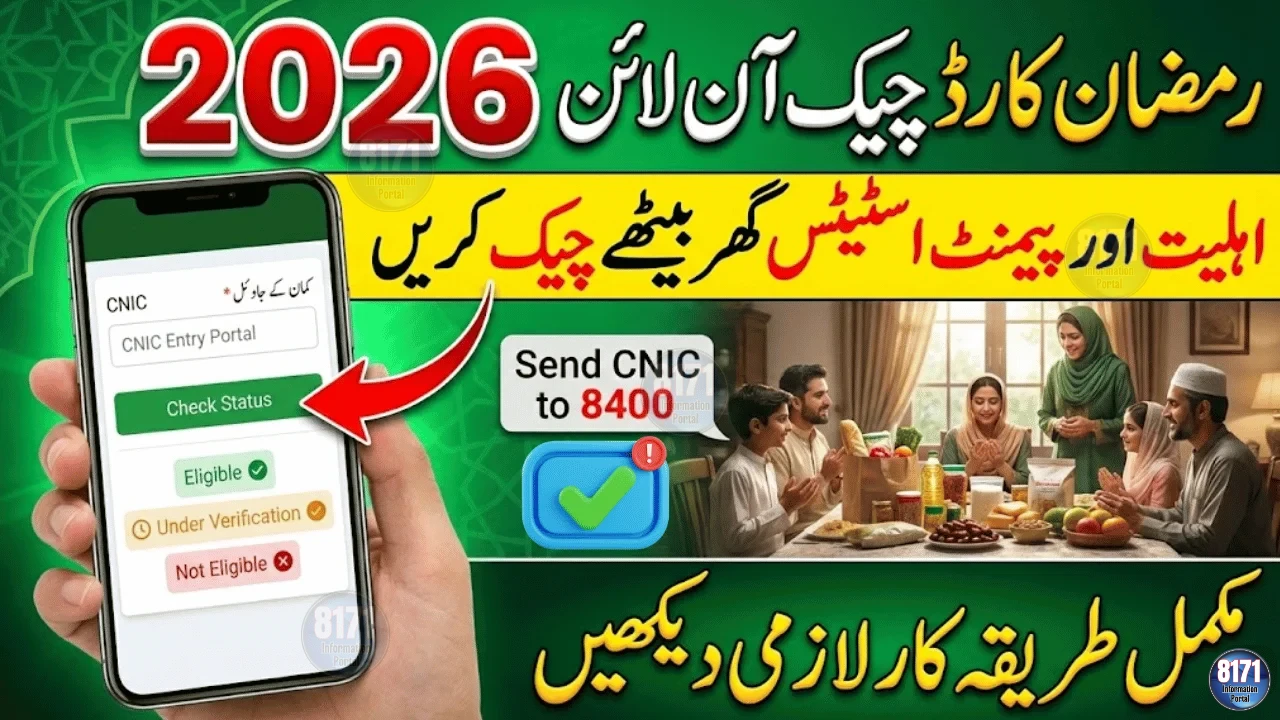
The Ramadan Nigehban Card 2026 has been introduced by the Punjab government to distribute Rs 10,000 financial assistance to eligible families in a secure and transparent way before Ramadan.
Unlike traditional cash distribution, this system uses a digital ATM-based card linked directly to your CNIC and registered mobile number. If you have received an approval message or collected your card, activation is required before withdrawing funds.
This guide explains everything clearly — from activation to withdrawal and safety precautions.

What Is the Ramadan Nigehban Card?
The Ramadan Nigehban Card is an official government-issued relief card designed to:
-
Eliminate long queues
-
Prevent duplicate payments
-
Ensure transparent digital verification
-
Protect the dignity of beneficiaries
Only families verified through government socio-economic records are issued the card.
Rs 10,000 Payment – Key Details
-
Amount: Rs 10,000
-
Province: Punjab
-
Withdrawal Method: ATM-based card system
-
Verification: CNIC + OTP
-
Charges: Completely free
You can only withdraw the payment after activating the card.
Who Must Activate the Card?
You need to activate your Ramadan Nigehban Card 2026 if:
-
You received an official confirmation SMS
-
You collected your card from a designated center
-
Your eligibility was approved through official verification
Without activation, the Rs 10,000 cannot be accessed.
How to Activate Ramadan Nigehban Card 2026 (Step-by-Step)
Follow these official steps carefully:
Step 1: Visit the Assigned Location
Go to the partner bank ATM or tehsil distribution center mentioned in your confirmation SMS.
Step 2: Bring Required Documents
You must carry:
-
Original CNIC
-
Registered mobile phone (SIM must be active and registered under your CNIC)
No photocopies are required.
Step 3: CNIC Digital Verification
Your CNIC will be verified in the system. Ensure your ID card is valid and not expired.
Step 4: OTP Confirmation
You will receive a One-Time Password (OTP) on your registered mobile number. Enter the code to confirm your identity.
Step 5: Set a 4-Digit PIN
Create a secure PIN.
Never share this PIN with anyone.
Once completed, your Ramadan Nigehban Card becomes fully active.
How to Withdraw Rs 10,000 After Activation
After activation:
-
Insert the card into the ATM
-
Enter your 4-digit PIN
-
Select “Cash Withdrawal”
-
Choose the amount
-
Collect your cash and receipt
You may withdraw the full Rs 10,000 at once or in smaller transactions.
Common Issues & Solutions
OTP Not Received
-
Ensure your SIM is active
-
SIM must be registered under your CNIC
-
Wait a few minutes and retry
CNIC Not Verified
-
Confirm your CNIC details are correct
-
Visit the official help desk if records need updating
Card Not Working
-
Try another partner ATM
-
Contact the official helpline
Never pay any agent. Activation is completely free.
Important Safety Guidelines
To protect your payment:
-
Do not share your PIN
-
Ignore fake SMS messages
-
Visit only official distribution centers
-
Do not pay any activation charges
The system is digitally monitored to prevent fraud.
How Long Does Activation Take?
-
5–10 minutes at an ATM
-
10–15 minutes at a distribution center
During peak hours, waiting time may increase.
Can Someone Else Activate It for You?
No.
The beneficiary must:
-
Be physically present
-
Complete OTP verification
-
Set their own PIN
This ensures payment security.
Is There an Activation Deadline?
Authorities may announce deadlines. It is recommended to activate your Ramadan Nigehban Card 2026 as soon as possible to avoid missing the payment window.
Final Summary
The Ramadan Nigehban Card 2026 offers a secure and transparent method for receiving Rs 10,000 financial assistance during Ramadan.
To ensure smooth withdrawal:
-
Activate early
-
Use your registered mobile number
-
Follow official instructions
-
Keep your PIN confidential
For accurate updates, rely only on official government announcements.