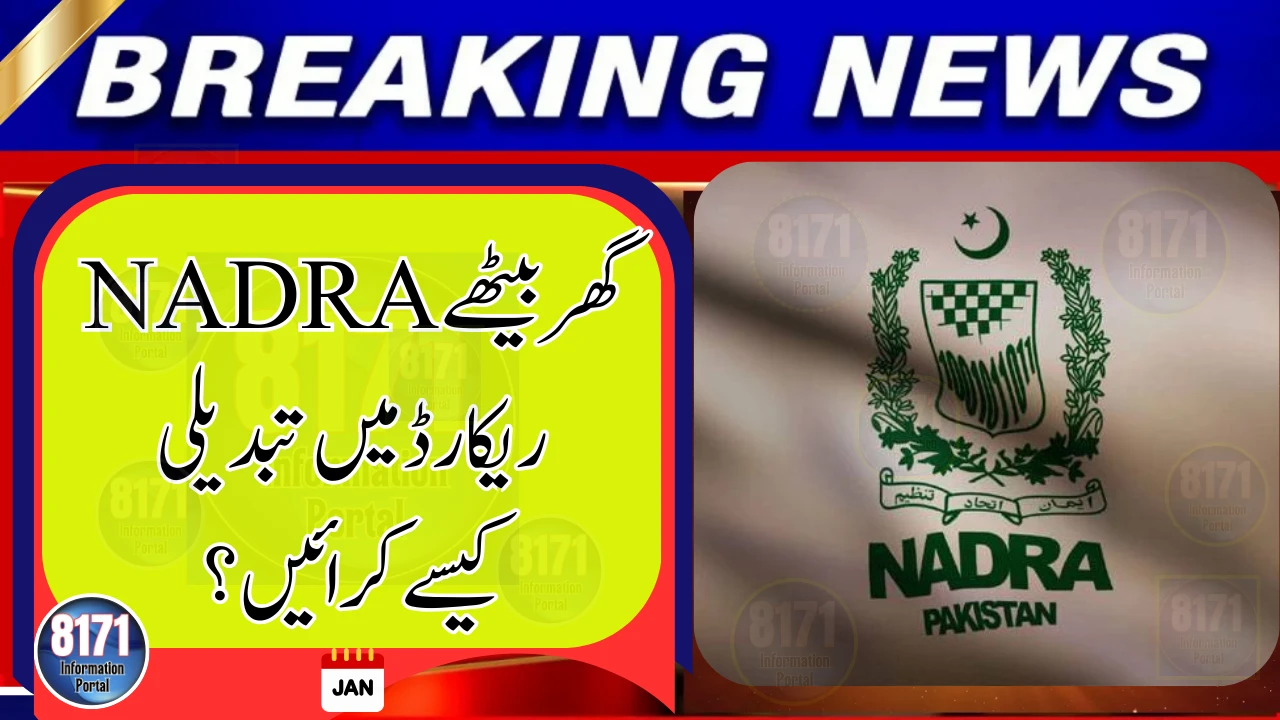
The National Database and Registration Authority (NADRA) has introduced multiple digital services that allow citizens to update their personal records from home, eliminating the need to visit NADRA offices.
This facility is available for Pakistanis living inside the country as well as overseas.



Online Record Update Through Pak-Identity App
NADRA’s Pak-Identity (Pak ID) mobile app enables users to request corrections or updates to their records directly from their smartphone or computer.



If you want to modify your NADRA record, you can now do so entirely online, provided the change falls under non-printable information.
What Information Can Be Updated Online
Using Pak-Identity, citizens can apply for changes in:
-
Parent or spouse details
-
Marital status
-
Address or family record information
-
Other non-printable NADRA data
These updates apply to CNIC, Smart CNIC, and NICOP, depending on eligibility.
Step-by-Step: How to Change NADRA Record From Home
-
Download the Pak-Identity App
Available on Android and iOS, or access the Pak-Identity web portal. -
Create or Log In to Your Account
Sign up using your CNIC/NICOP number, email address, and mobile number. -
Select “Modification” Service
Choose the option related to record correction or data update. -
Enter the Required Information
Carefully fill in the details you want to change. -
Upload Supporting Documents
Attach scanned documents if required (such as marriage certificate or B-Form). -
Complete Biometric Verification
Biometric verification is done through the app for eligible users. -
Pay the Fee Online
Online applications usually cost less than in-person services. -
Submit and Track Application
Track your request online until it is processed.
Why Use the Online Service
-
No travel or long queues
-
Faster processing for basic updates
-
Lower service charges
-
Ideal for overseas Pakistanis
Important Reminder
Only non-printable data can be modified online. Certain sensitive changes may still require a physical visit to a NADRA office for verification.
Citizens are advised to use only official NADRA platforms for record updates to avoid fraud or delays.